Is the routing as good as Google Maps or Apple Maps? +
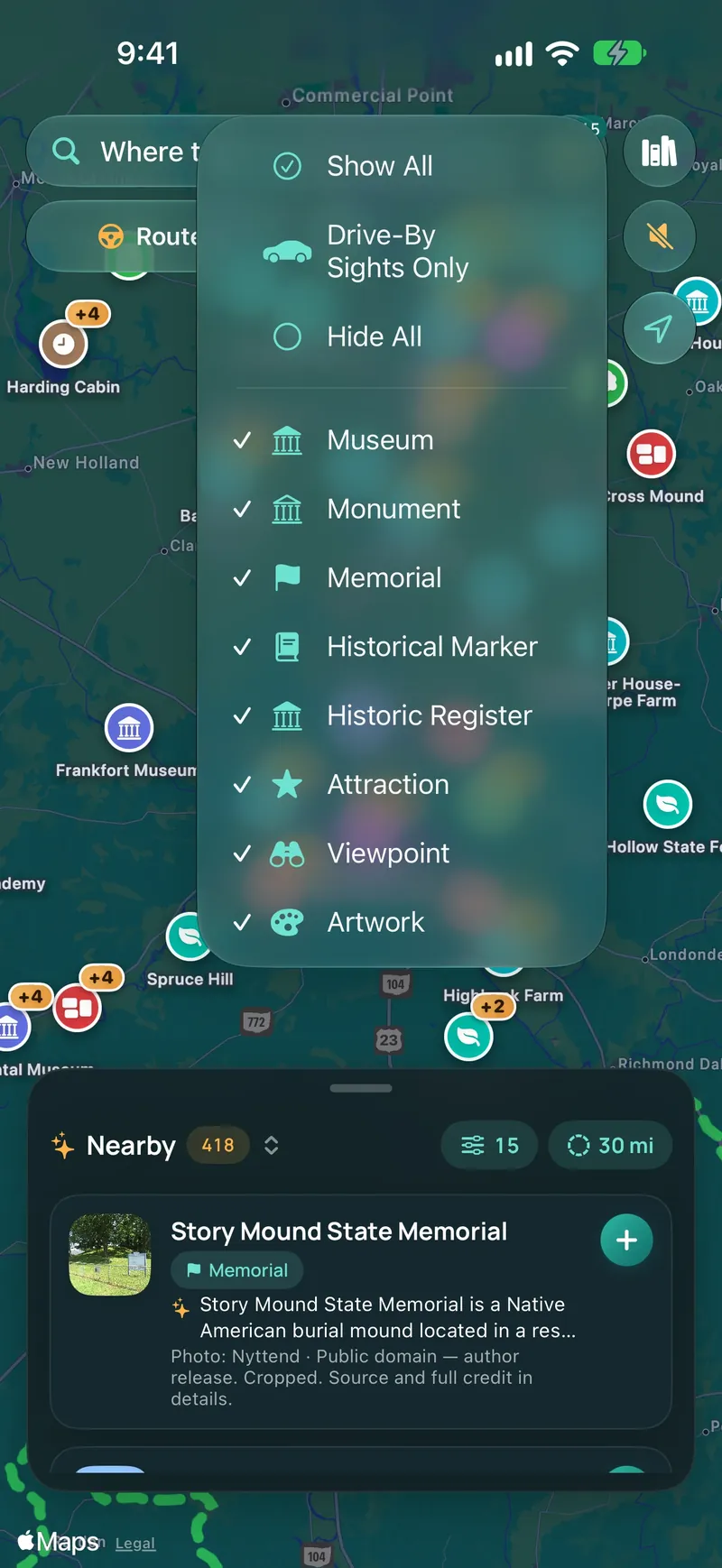
WanderWay uses Apple Maps for turn-by-turn routing, so you get the same reliable routing engine that powers Apple Maps. What WanderWay adds is the discovery layer: 24 place categories, Curated Routes, and spoken directional narration that Apple Maps does not provide.
What makes WanderWay different from Apple Maps or Google Maps? +
Standard navigation apps are built for speed and efficiency—getting you from A to B as fast as possible on highways. WanderWay is built for the journey: discovering hidden historic sites, covered bridges, scenic overlooks, and state parks along your route, complete with spoken directional narration and Curated Routes.
What’s new in WanderWay 2.6? +
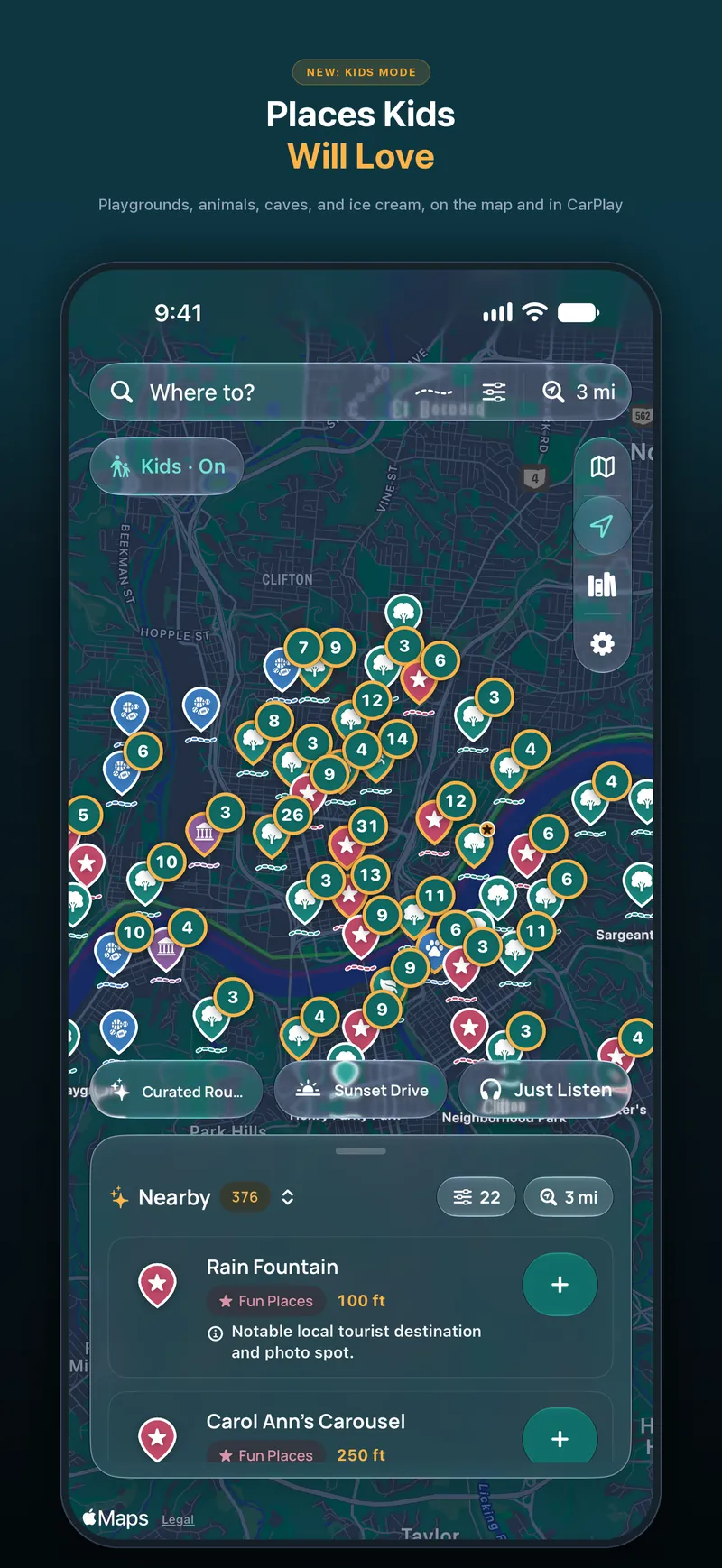
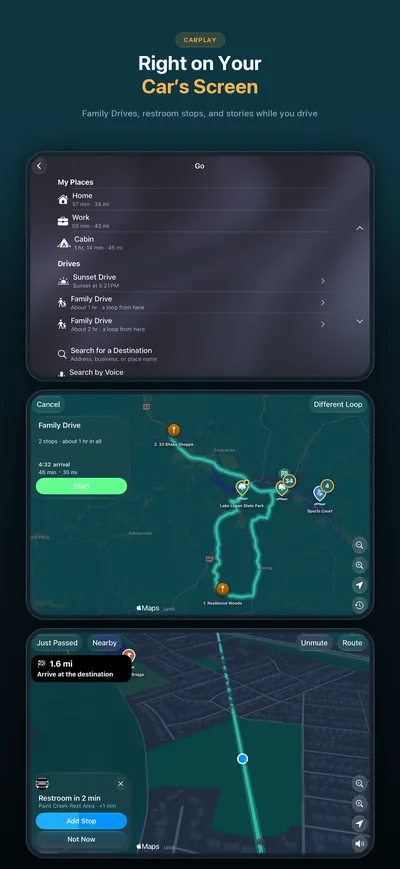
WanderWay 2.6, released November 9, 2026, makes room for the whole family. Kids Mode shows the places kids love, like playgrounds, animals, splash pads, caves, trains and ice cream, hides grown-up ones like memorials, cemeteries and military history, and keeps stories short and simple; CarPlay follows along. With Kids Mode on, Curated Routes plans a Family Drive with kid stops and, on drives of an hour or more, a restroom break about halfway. After about 90 minutes of driving, WanderWay can offer the next restroom along your route as a one-tap stop. Natural voices speak English in voices made right on your iPhone (about 186 MB, for iPhones with 6 GB of memory or more). Download an Area keeps part of the map’s sights, photos and stories for when there’s no signal. Kids Mode and offline downloads are part of WanderWay Unlock.
What’s new in WanderWay 2.5? +
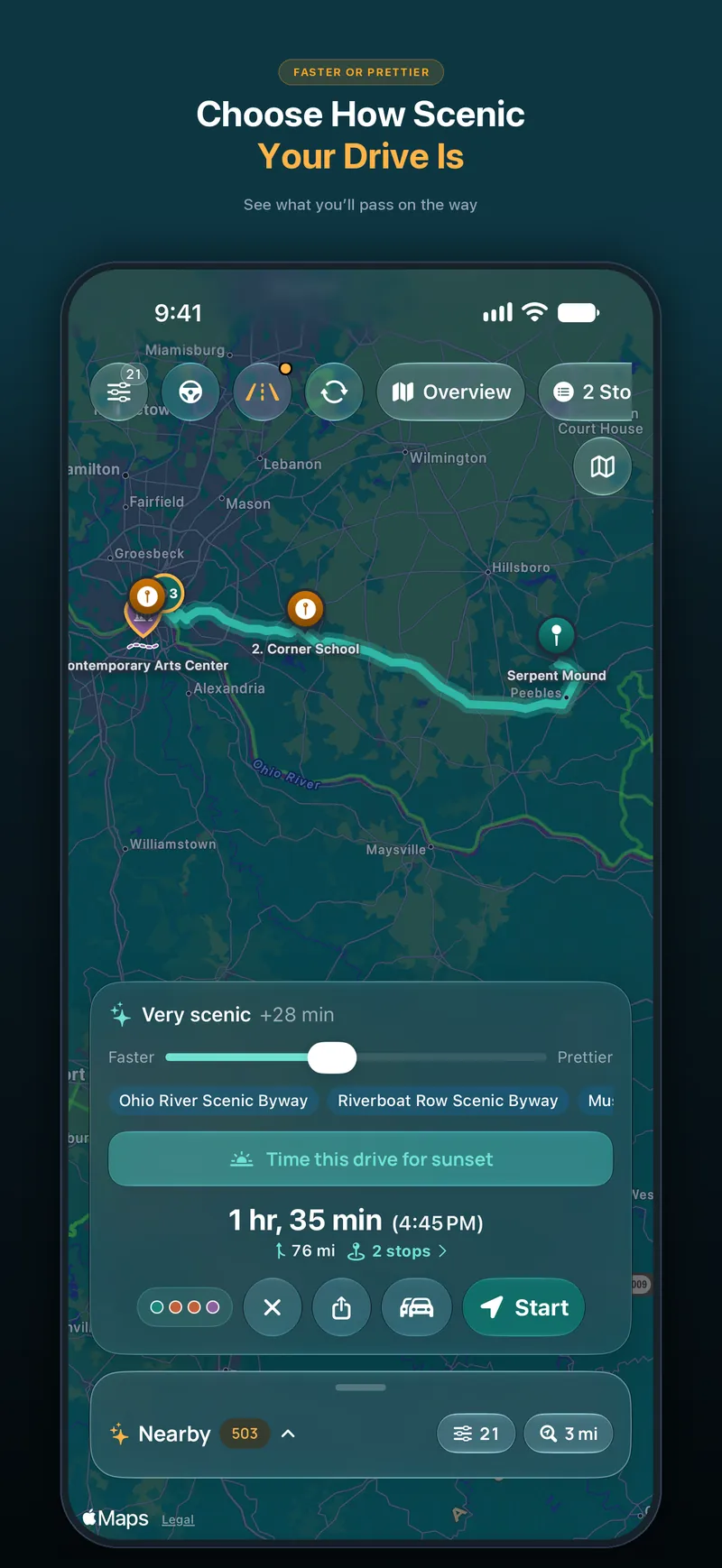
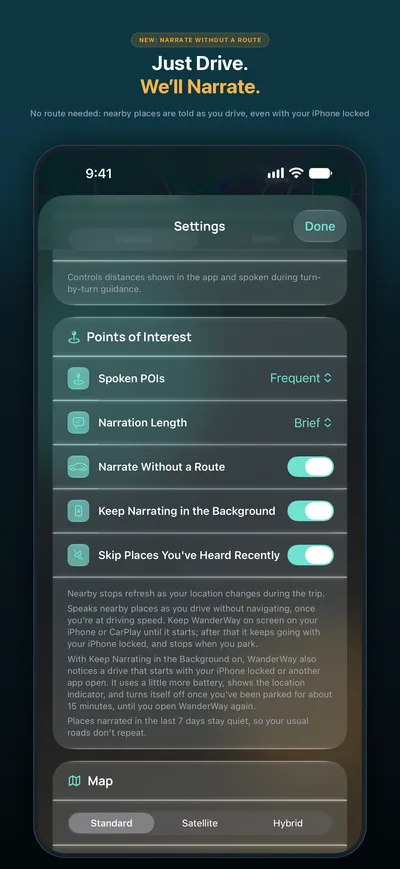
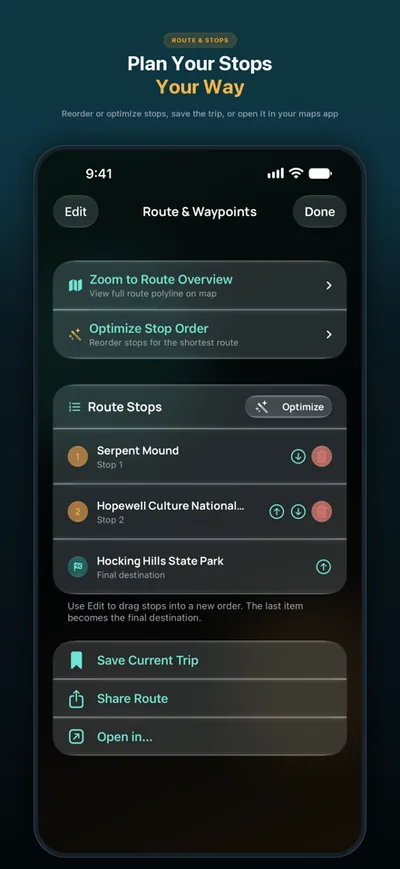
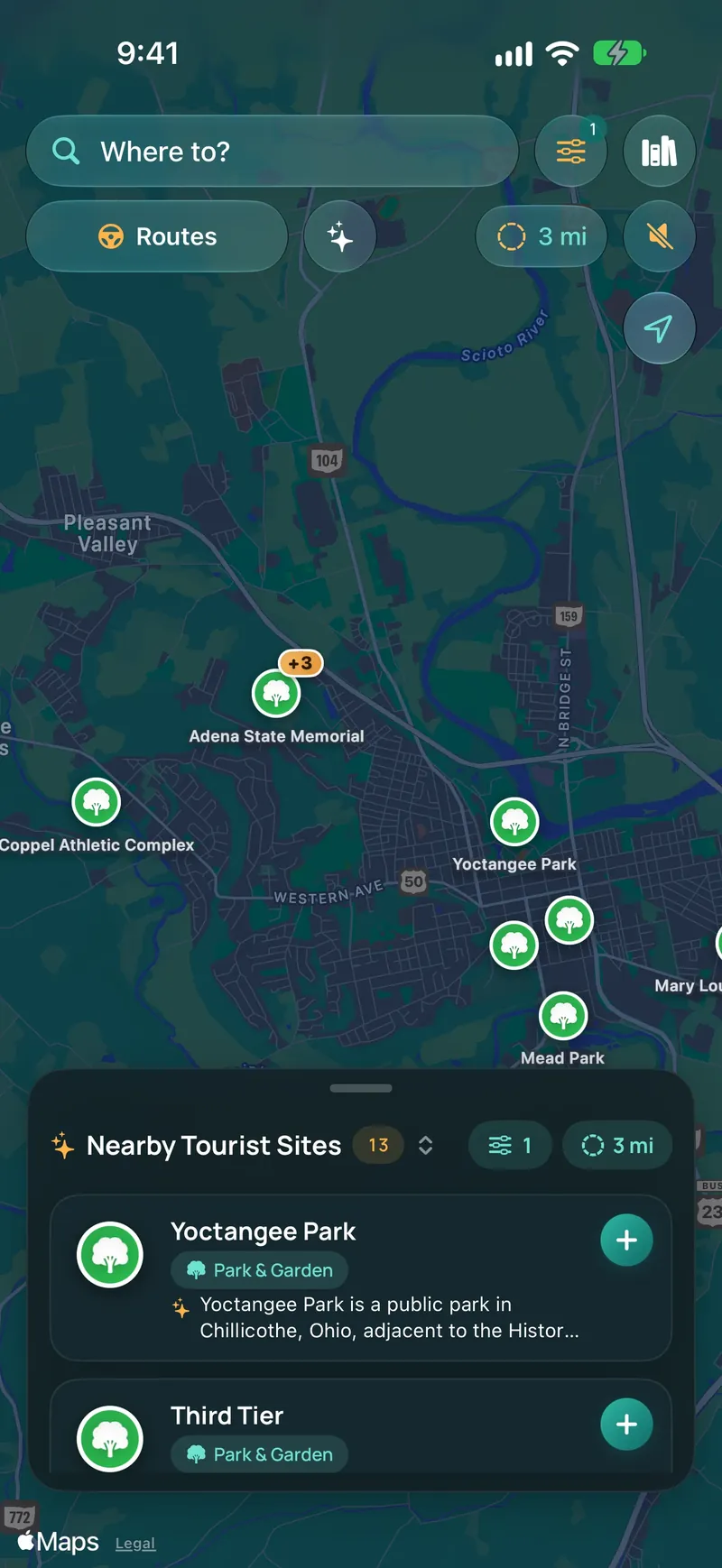
Faster or Prettier: A new slider on the route card goes from the fastest route to one up to twice as long, at most 4 extra hours. Scenic adds up to a quarter more time for sights along the way and is free. Very scenic and Most scenic add more time and take backroads instead of highways. They're part of WanderWay Unlock.; See What You'll Pass: Under the slider, the kinds of sights your route stops at and the byways it follows, such as a viewpoint, a covered bridge or a waterfall.; Drive Together: Driving with friends in another car? Tap Drive Together on the route card and send them the link or QR code. Up to 6 cars see each other on the map, and when you change the route, they can follow it. Starting is part of WanderWay Unlock. Joining is free.; Just Listen, No Destination: Tap Just Listen above Nearby and WanderWay tells the story of each place as you reach it, with no destination and no route. Tap Stop Listening to end it. Part of WanderWay Unlock.; Just Wander: Walk wherever you like, with no route and no stops, and hear the story of each place as you reach it. The way back to your car is one tap away.; Town Guide on Walks: On a walk, read the town's travel guide from Wikivoyage: what to see, what to do and how to get around.; Better Walking Tours: The walking card turns with you and shows how far the next stop is. At the end, see which stops you heard and skipped, and find your walks in Journal and Passport.; Just Listen in CarPlay: Start Just Listen right from the CarPlay map.; Nearby Keeps to Your Radius: Nearby now stays within the radius you pick, in the list, on the map and in the stories.; Scenic in CarPlay: The trip preview in CarPlay now offers Scenic beside the fastest route.; Stays Scenic: If you go off route, WanderWay keeps your scenic stops and backroads.; Stories Offline: An offline download now keeps each place's story too, so you still hear them without signal. Each download shows how many stories it has and how much space it uses. Offline downloads are part of WanderWay Unlock.; Sunset Drives on Local Time: Sunset Drives use the evening and the clock where the spot is, even when your iPhone is set to another time zone.; Avoid Tolls or Highways for One Drive: Avoid Tolls and Avoid Highways in Route options now change only the drive you're on. Every new drive starts from the setting, now in Settings under Routes. It's free.; Better Landmarks: A restaurant, bar or shop no longer shows up as a landmark just because it has a Wikipedia page.; Smoother Map: The map moves more smoothly, and byway lines are now solid and lighter.
What was in the 2.5.1 maintenance update? +
2.5.1, released November 6, 2026, fixed turn-by-turn guidance at roundabouts so the next step advances correctly, and Very scenic and Most scenic began taking backroads instead of highways, with sights along that drive. Those fixes and the 2.5 features, including Faster or Prettier, Drive Together, Just Listen, and Just Wander, are all in 2.6.
Do I need a subscription? +
No. WanderWay has zero ads, zero recurring subscriptions, and zero selling or tracking of personal data. It’s free to download with a free trial. After that, a one-time purchase keeps these unlocked: navigation on iPhone and CarPlay, Story Mode while you drive, Narrate Without a Route, the Very scenic and Most scenic route levels, curated drives, Kids Mode, offline downloads, and searches up to 40 miles. Nearby places within 5 miles, place details and photos, destination search, and route previews are always free.
How does directional narration work? +
WanderWay monitors your vehicle’s real-time heading and speed. When you approach an interesting site, it announces its position relative to your vehicle: “Ahead on your right, Roberts Covered Bridge” so you never have to look down at your screen while driving.
How does Story Mode work? +
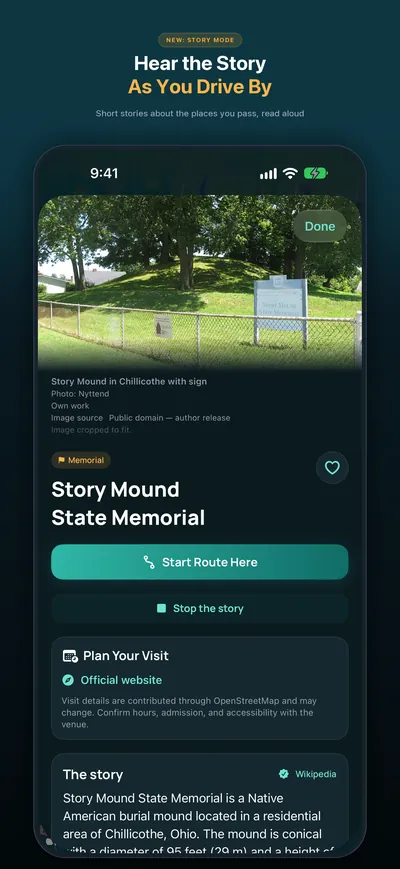
As you approach a place, WanderWay reads a short story about it. Turn it on in Settings › Points of Interest › Narration Length › Story, or tap “Listen to the story” on a place page to hear it right away. With Apple Intelligence, stories are written on your iPhone from the place’s description. Other iPhone models read a shortened description.
Does WanderWay keep a record of my drives? +
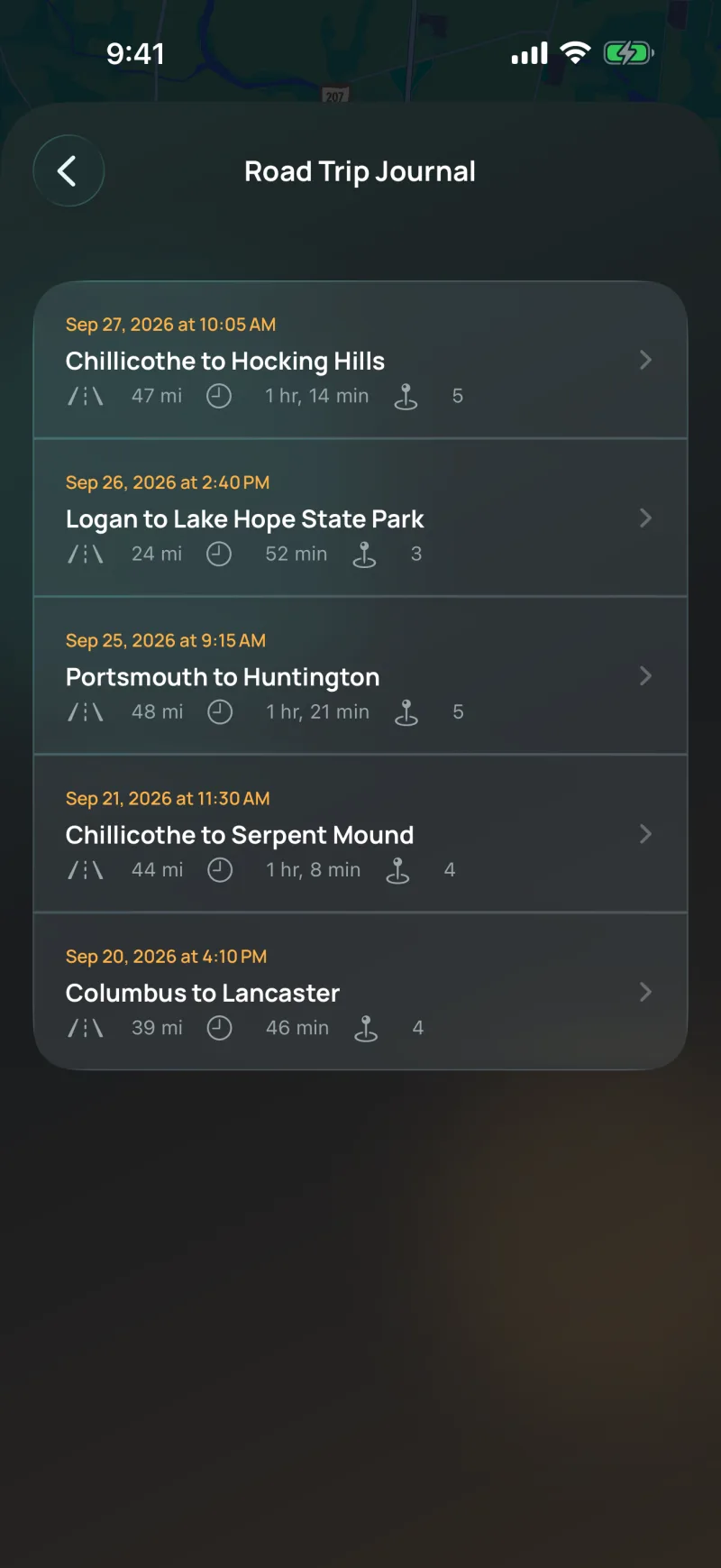
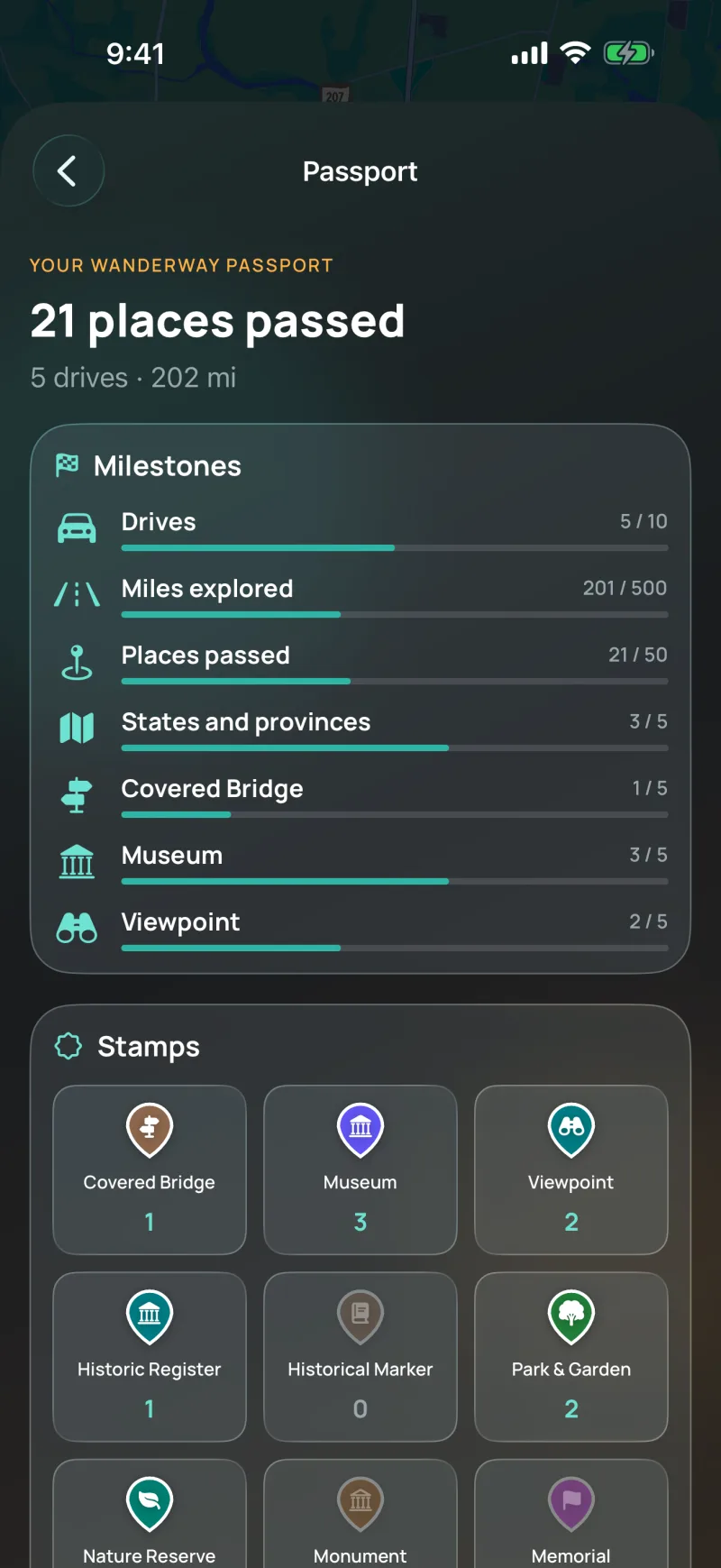
Yes, on your iPhone. Each drive you navigate is saved to your Road Trip Journal with the roads you drove, its distance and time, the places you passed, and the states or provinces it crossed. You can show the photos you took along the way, which stay in your photo library, and Share Drive turns any drive into a picture card. WanderWay keeps no location history or routes on a server.
Does it work offline? +
Yes, for places. You can download the places and descriptions along your planned route before heading into river valleys or remote hills where cellular reception is spotty, and since 2.6, Download an Area in Settings keeps a whole part of the map’s sights, descriptions, photos and stories. The map itself and new routes still need a connection, so set up your route before you lose signal.
Is CarPlay supported? +
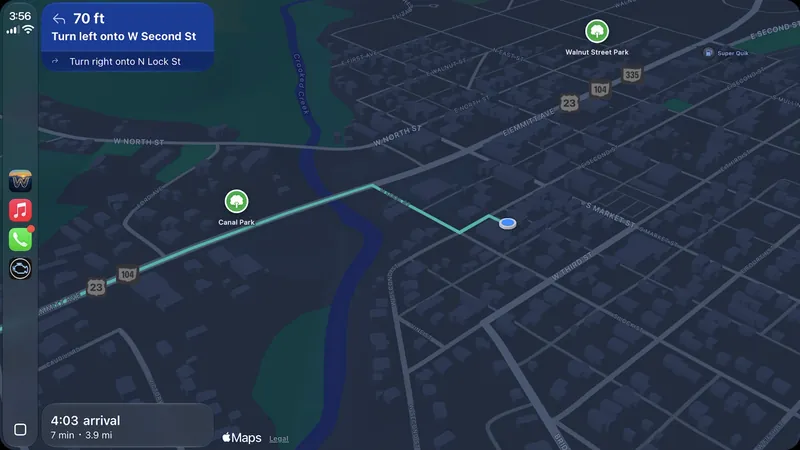
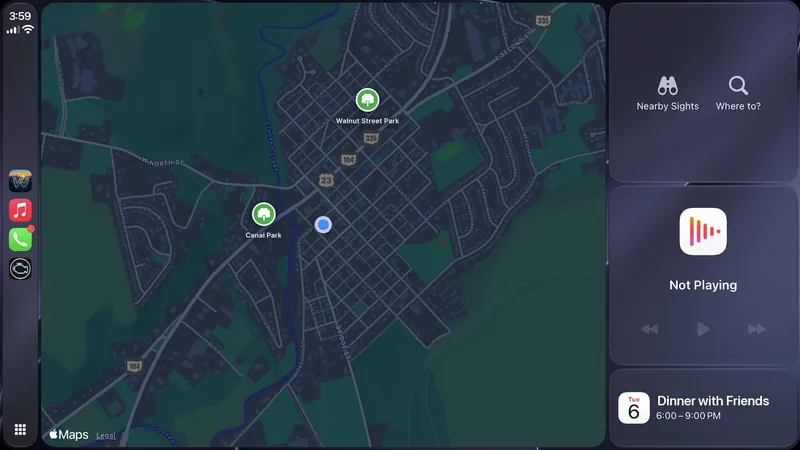
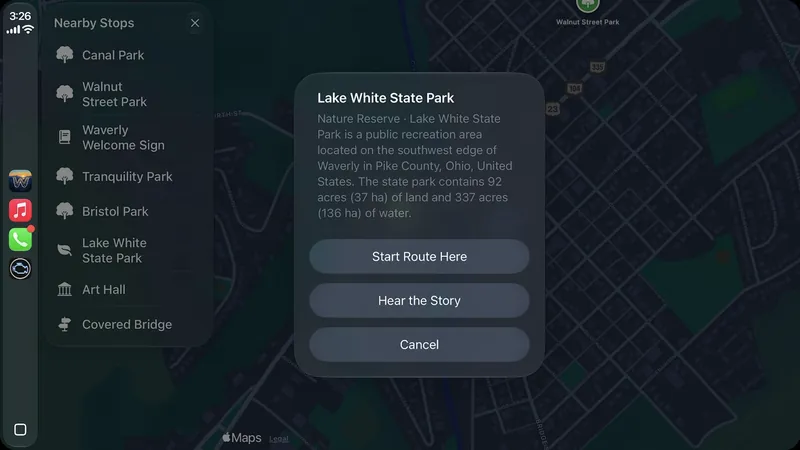
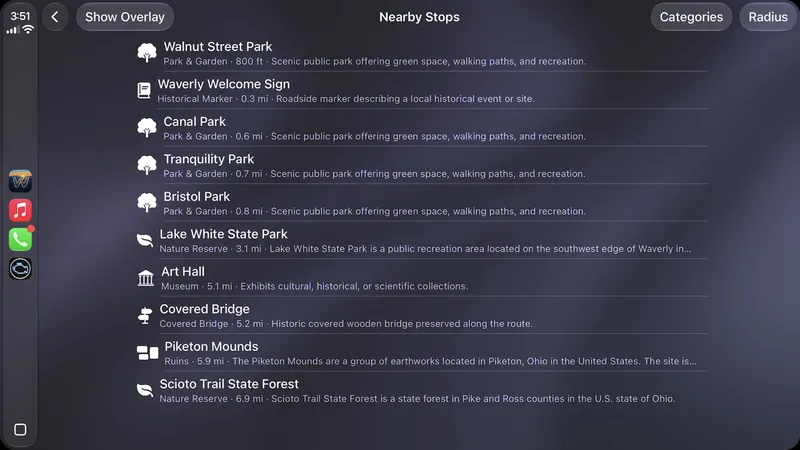
Yes, on iPhone. WanderWay runs on Apple CarPlay with turn-by-turn guidance, nearby sights with detour times, and drives you can start from search, a saved trip, a favorite, or by voice. CarPlay includes a WanderWay map card on CarPlay Dashboard with Nearby Sights and Where to? shortcuts, Show Route Overview, Hear the Story, a map and turn details in the instrument cluster in cars that support it, and Resume if the car’s built-in navigation takes over. In 2.2, Just Passed and Add a Stop are on CarPlay too. iPad doesn’t include CarPlay.
Can I search somewhere other than where I am? +
Yes. On iPhone, press and hold anywhere on the map to drop a pin, named from the nearest address. Tap Search Here to list tourist sites within your chosen radius around the pin instead of around you, use the directions button to route there, or close the pin to return the list to your surroundings. Dropping a pin isn’t available during active navigation.
What if WanderWay isn’t for me? +
WanderWay is free to try, so you can try everything first. The trial ends on its own and never charges you. If you buy the unlock and change your mind, refunds go through Apple at reportaproblem.apple.com; Apple reviews each request, and customers in some regions, such as the EU and UK, can also cancel within their legal withdrawal period.