Kids Mode
Tap Kids on the map, or turn on Kids Mode in Settings, and WanderWay shows the places kids love, like playgrounds, animals, splash pads, caves, trains and ice cream, and hides grown-up ones like memorials, cemeteries and military history. Stories get short and simple, with a fun fact, and can end with a question for the kids. CarPlay’s lists and map follow along. Kids Mode is part of WanderWay Unlock.
Family Drive
With Kids Mode on, Curated Routes plans a Family Drive, a loop or a drive to a destination with playgrounds, ice cream and other kid stops, one of each kind. Drives of an hour or more get a restroom break about halfway, at a stop that has one or as a stop of its own. In CarPlay, the Curated Drives under Go become Family Drives.
Restroom stops on long drives
After about 90 minutes of driving, WanderWay offers the next restroom along your route, at a rest area, gas station or park, as a stop you add with one tap, in CarPlay or while WanderWay is on screen. It waits for a quiet moment, never over a turn, and asks at most once an hour. It’s on in Kids Mode, and Suggest Restroom Stops in Settings turns it on for every drive.
Natural voices
In English, WanderWay can now speak in natural voices made right on your iPhone. They download once over Wi-Fi, about 186 MB, and Automatic uses one when they’re ready. Pick another in Settings and tap Play Sample to hear it. Settings shows the space they take, with Delete Natural Voices to free it. They need an iPhone with 6 GB of memory or more. If your iPhone gets hot on a drive, WanderWay says so once and finishes the drive in your iPhone voice.
Download an Area
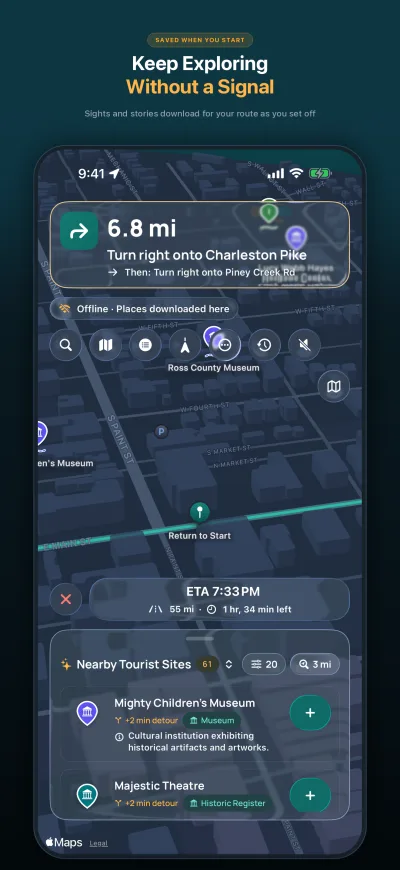
In Settings, tap Download an Area and frame part of the map to keep its sights, descriptions, photos and stories for when there’s no signal. On cellular data, WanderWay shows the size first, with or without photos. Settings › Downloads lists every route, trip and area download with its size. The map itself and new routes still need a connection. Offline downloads are part of WanderWay Unlock.
Different Loop
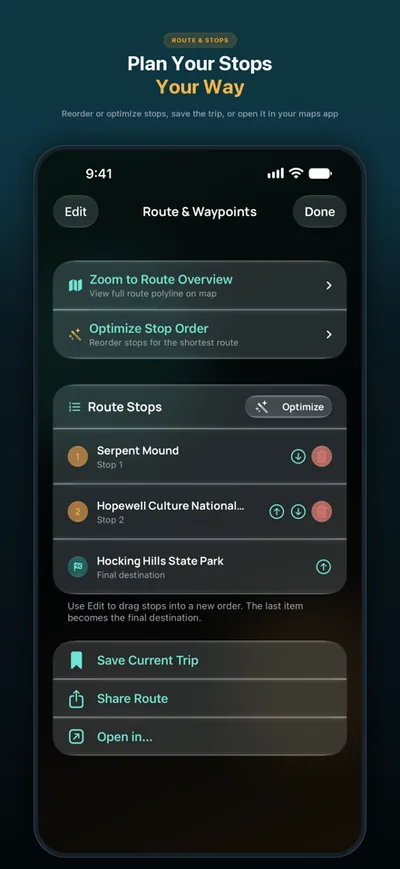
Not quite the loop you wanted? Tap Different Loop for other stops, the other way round, in CarPlay too. Curated Routes now favors places you haven’t been to yet.
Right to the place
Shared drives, and places you save to My Places from search, now route to the place itself, like its parking lot, instead of the nearest street address.
Mute on the map
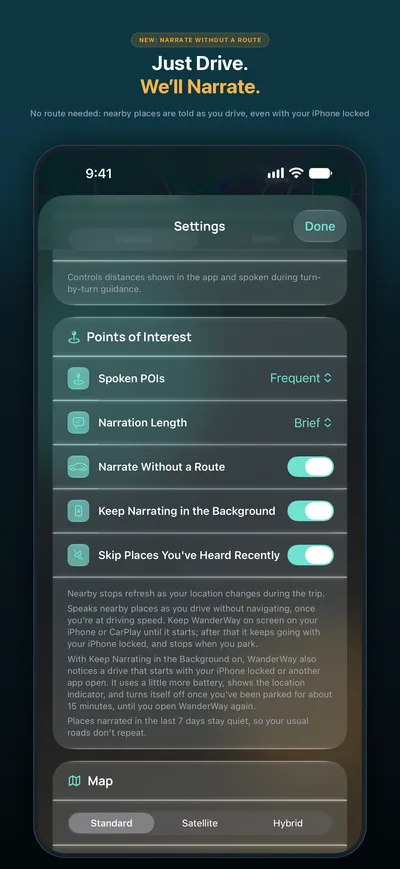
During guidance, and while WanderWay narrates a drive without a route, Mute Voice Guidance has its own button on the map, so one tap mutes or unmutes the voice. Settings always keeps its gear.
Time and distance in CarPlay
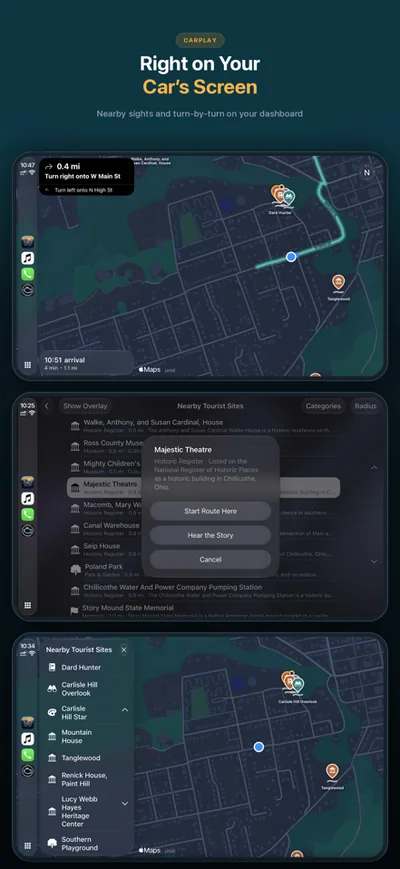
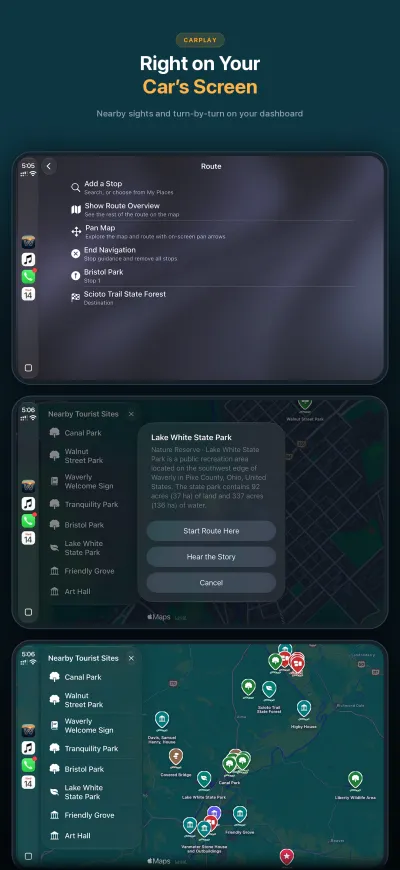
CarPlay’s trip previews now show the drive’s time and distance before you start, and when there’s a fastest and a scenic route, each one’s own.
Fixes
Turn-by-turn no longer jumps to the next turn early at sharp turns, U-turns and out-and-back stops, on your iPhone and in CarPlay. Natural voices say every distance, like “in 1.5 miles”. The route line no longer shows gaps during guidance.